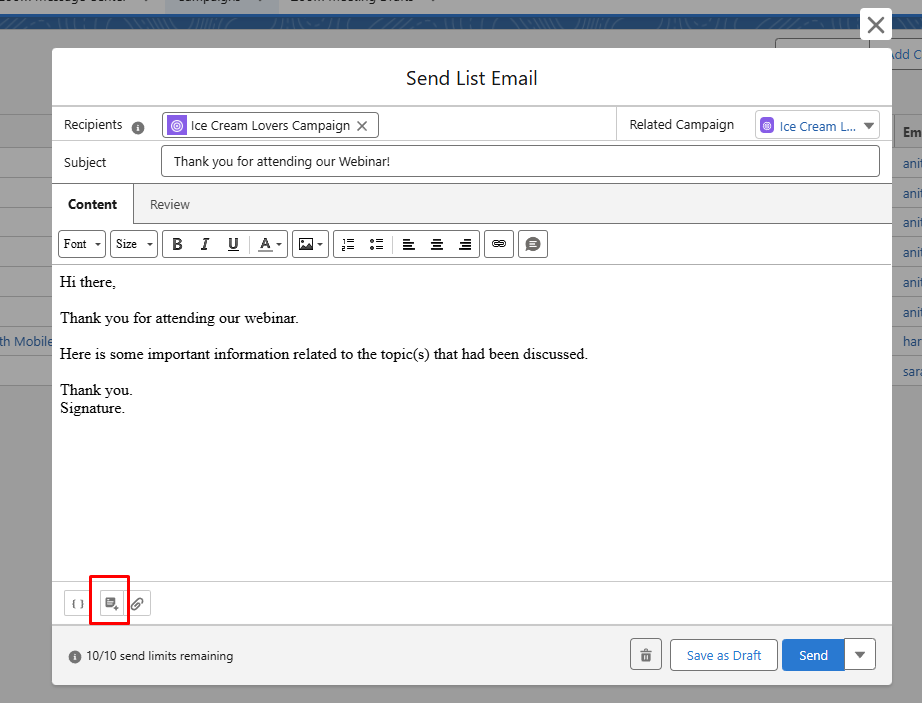
To create or use an email template from the Send Email option on ZFusion campaigns, click on the icon on the lower left of the email creation window:
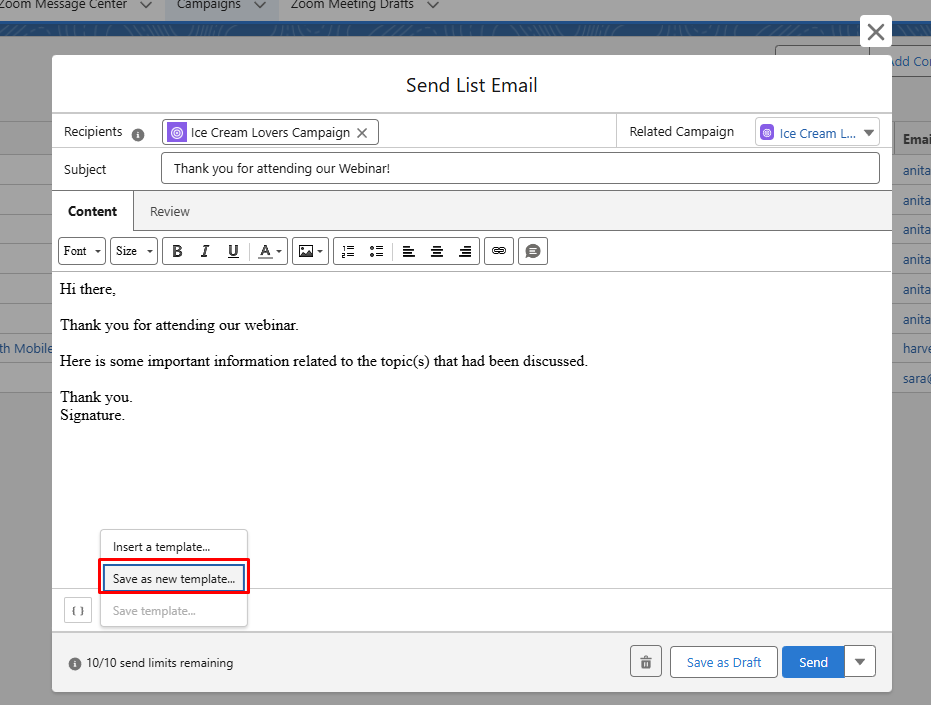
To create a new template, make sure you have the template content and then click Save as new template. Or if you wanted to use an existing template, click on Insert a template options:
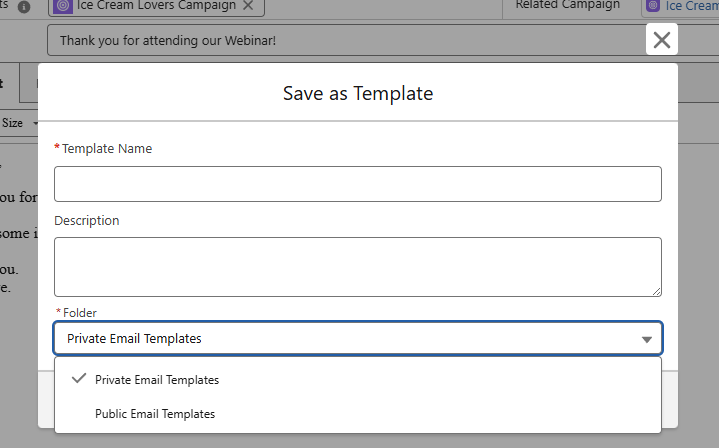
If you are creating a template then the next screen will ask you for the template name, description and which folder you would like to save it to:
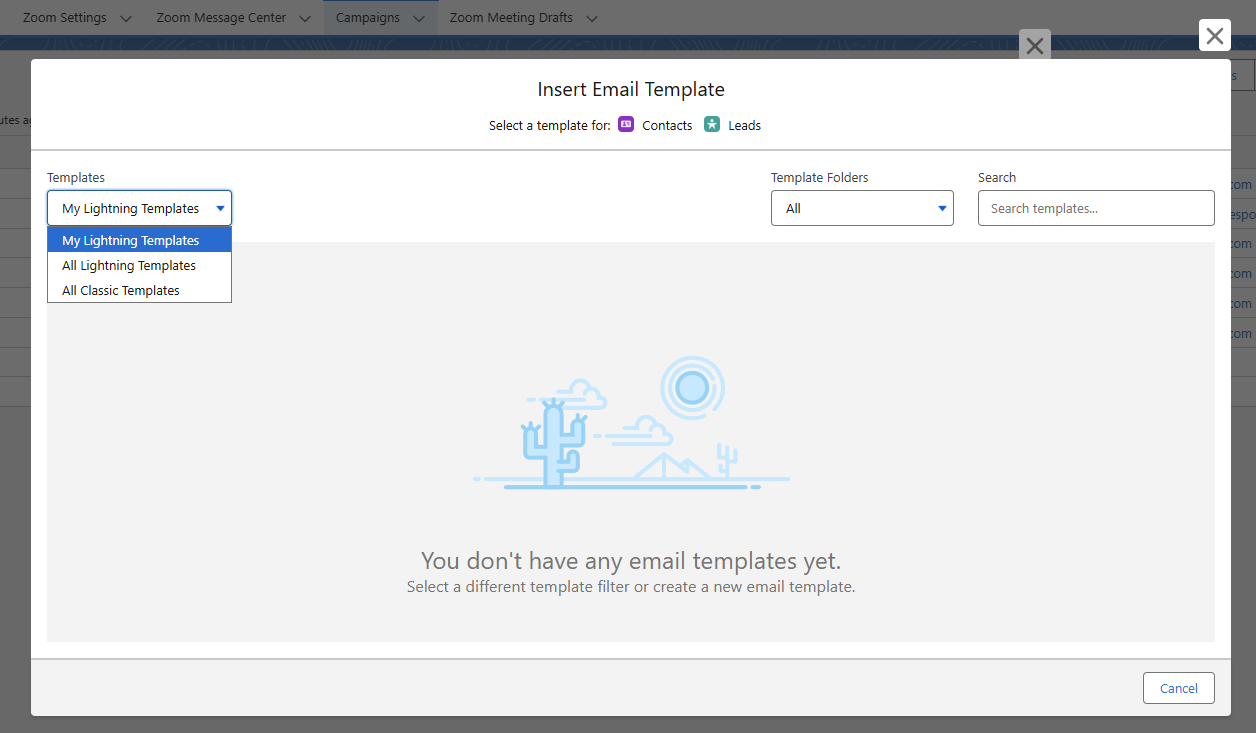
If you are inserting a template, then the next screen with ask you to locate the template: